NVIDIA Game Ready Driver 621.01 Released
NVIDIA has released a new Game Ready driver, version 621.01, on Oct 21, 2026. It adds day-one optimization for Phantom Blade Zero and Call of Duty: Modern Warfare 4, and fixes several crashes and display problems reported by users.
Game Ready Support
NVIDIA says the driver is tuned for new games and updates that use DLSS and RTX technologies. These include Phantom Blade Zero, Call of Duty: Modern Warfare 4, NBA 2K27, Cyberpunk 2077, and Crimson Desert Enhanced: Charting the Unknown.
Fixed Issues
Gaming fixes:
- Wuthering Waves: a crash that could happen when NVIDIA Freestyle filters were used together with DLSS Frame Generation
- Star Citizen: a crash when running on the Vulkan API
- Surviving Mars: a crash during gameplay after updating to the R595 drivers
General fixes:
- Occasional black flashes on QHD monitors running at 360 Hz
- Frame rate dropping to 320 FPS on 360 Hz G-SYNC Pulsar monitors
- Meta Horizon Link streams freezing when connected over USB
- Intermittent screen dimming on certain Asus laptops after updating to the R620 drivers
Supported GPUs
The driver supports GeForce RTX 50, RTX 40, RTX 30, and RTX 20 Series cards, GTX 16 Series cards, and the NVIDIA TITAN RTX.
Our Test Results on RTX 5070
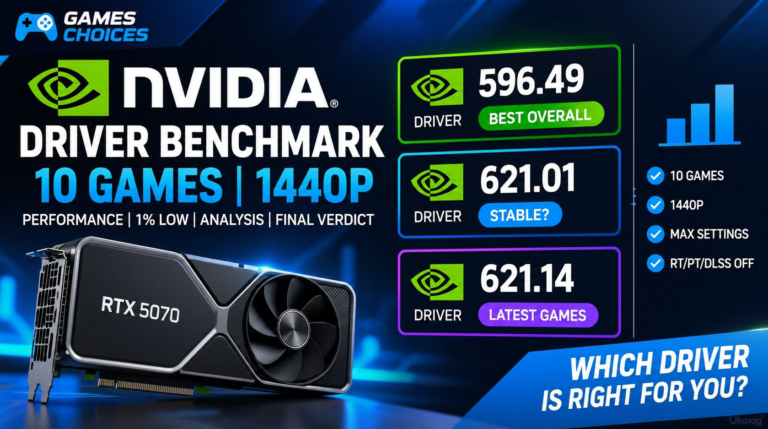
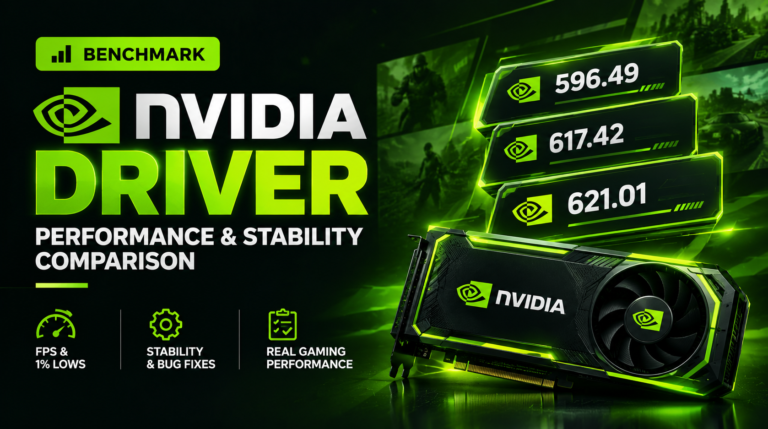
We tested driver 621.01 against 617.42 and 596.49 on an RTX 5070 with a Ryzen 5 7500F at 1440p, across 10 games. Compared to 617.42, the new driver was slightly faster in 5 games, identical in 3, and 1 FPS slower in 2. Across all 10 games, the average moved from 81.0 to 81.5 FPS, a gain of about 0.6%. Against 596.49, it was about 1% behind overall (82.6 vs 81.5 FPS).
Most differences were only 1 to 4 FPS, which is within normal run-to-run variation. In short, 621.01 is a small step up from 617.42 but not a performance driver. Update for the game support and bug fixes above, not for extra FPS.
In our 10-game test on an RTX 5070 at 1440p, 621.01 was about 0.6% faster than 617.42 and about 1% slower than 596.49, so the performance difference is negligible. Full results are in our driver comparison article.
How to Download
You can download the driver from NVIDIA’s official driver page or through the NVIDIA App. If your games are running fine, you can wait, but if you play one of the games listed above or were affected by a fixed issue, updating makes sense.